
There are some integration types that allow the school to set a password for the parents.
Sometimes a school may want to create a temporary password for all parents and then require that the parent updates the password to one of their choosing after logging into their account the first time.
If your integration type supports this option, then you will see a toggle switch on the integration page like this:
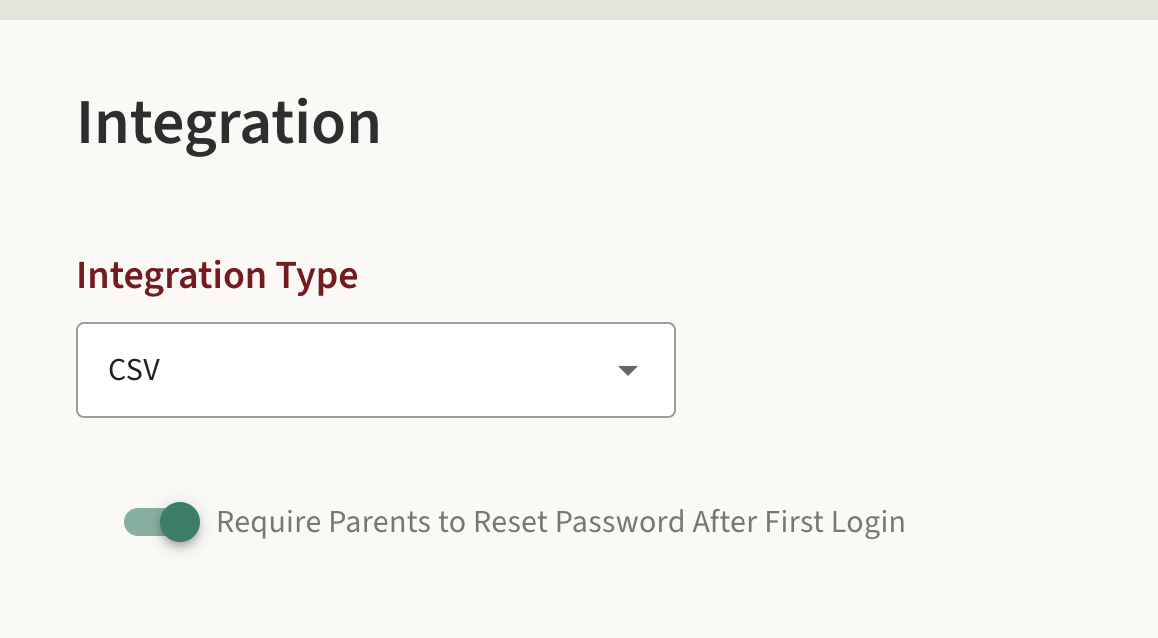
If the toggle switch is green and in the ON position then parents will be required to reset their password as soon as they log in the first time. Once they reset their password they will not be required to do it again.
Even if you turn the option on and off, it will not require parents to reset their password a second time.
If the parent has logged into the system before they will not be required to reset their password.
This is only for first time parents that have never logged in before.
If you need all parents to reset their password, please reach out to support@ptcwizard.com